Fields, not running text
You do not get OCR text to search through, but the values you need for payment and bookkeeping.
Open the invoice as a PDF or email, tap your screen key and draw a frame around it. Invoice data extraction takes seconds: supplier, invoice number, amounts, due date and IBAN are ready as text. Recognition runs on your computer.
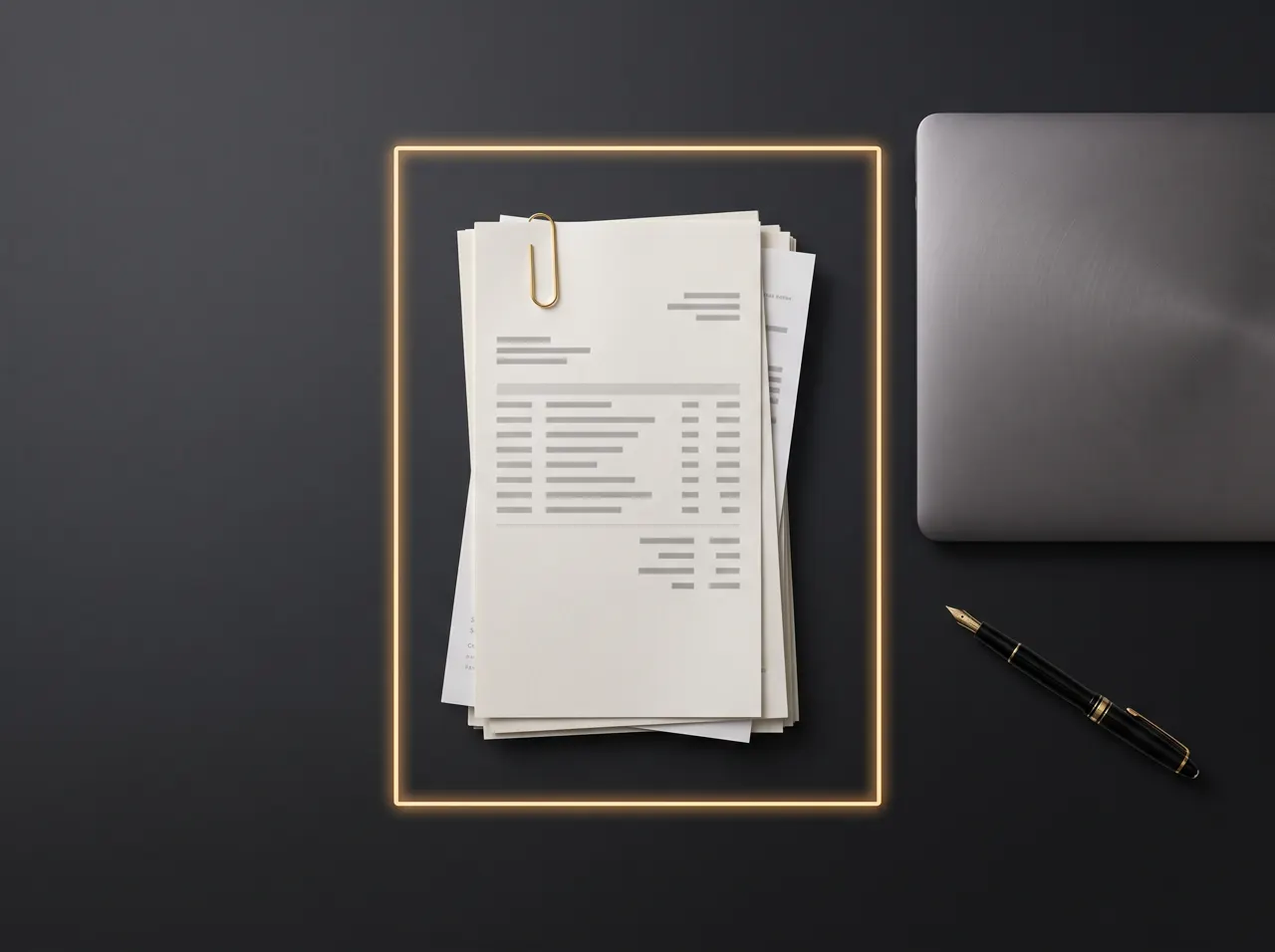
Every incoming invoice means the same thing: IBAN into online banking, invoice number into the payment reference, amount into the accounts. It is work where one transposed digit gets expensive. Receipt capture services take it off your hands, but they need you to upload every document.
SpeechToWork reads the invoice where it already is: on your screen. A language model with image understanding recognises the fields and returns them in a structured form. That works for PDF invoice data extraction as well as for scans and email attachments.
The result is placed on the clipboard and also saved as an image and a JSON file in the “Receipts” folder. Fields where the writing was uncertain are flagged. In our test with a sample invoice, every field was correct, including the full IBAN.
Hold the key and speak at the same time, and reading becomes a question: “Copy the table” returns the values separated by tabs, so Excel pastes them into columns. That is invoice data extraction to Excel in one step. “By when do I have to pay this and to which account?” is answered in one sentence. Error messages and scanned letters can be captured the same way.
You do not get OCR text to search through, but the values you need for payment and bookkeeping.
Invoices contain business secrets and personal data. None of it leaves your computer here.
Every receipt is also saved as JSON and can be reused in your accounts or automations.
Speech recognition and the language model are installed on your PC and run there. What you dictate ends up in your program and nowhere else. How the data flow works.
Audio and text stay on your computer. There is no server listening in and no AI provider in the background.
No third party processes your dictations. So there is no data processing agreement to sign and no international transfer to assess.
Once installed, SpeechToWork works offline. Only the licence check needs a connection.
No. SpeechToWork reads receipts and makes the data available; it does not post entries and is not a record-keeping archive. It replaces typing: you transfer the values into your online banking or your accounting software, such as Xero, Sage or QuickBooks, by pasting them in.
Yes, anything you can display on screen can be read. Quality depends on the original: clean PDFs are recognised very reliably, skewed phone photos with shadows less so. SpeechToWork flags uncertain fields so that you can check them before the values go into your banking or accounts.
SpeechToWork reads the visible invoice image. Hybrid PDF e-invoices, such as ZUGFeRD or Factur-X, work like any other invoice. Pure XML files, for example from Peppol, have no image. For those you need a viewer, and you can then read what the viewer shows on screen, just like a PDF.
It is fastest with a dedicated graphics card: on our test computer a complete receipt takes about six seconds, a single question about the image about one second. It also works without a graphics card, but takes noticeably longer. The image function is downloaded once with the first receipt, just under 1 GB.
SpeechToWork is about to launch. As soon as the first version is ready, you can download it here: one click, one file, no form.
Coming soonFor Windows 10/11 (64-bit). The download will be available here as soon as it is ready.
One installer for Windows, straight from our server.
A double click is all it takes. No administrator rights needed.
On first start: enter your name and business email, no payment method.
On first start, SpeechToWork downloads the language models once (4 to 6 GB). Already have a licence key? Enter it on first start. What is transferred in the process is explained in our privacy policy.