Confidentiality, technically secured
What is not transferred cannot leak. That also makes the conversation with your data protection officer easier.
Consultation notes, referral letters, progress notes: a practice writes a lot, and every sentence contains health data. SpeechToWork is medical dictation software that recognises and tidies up your dictation on the practice computer. There is no cloud where this data could end up.
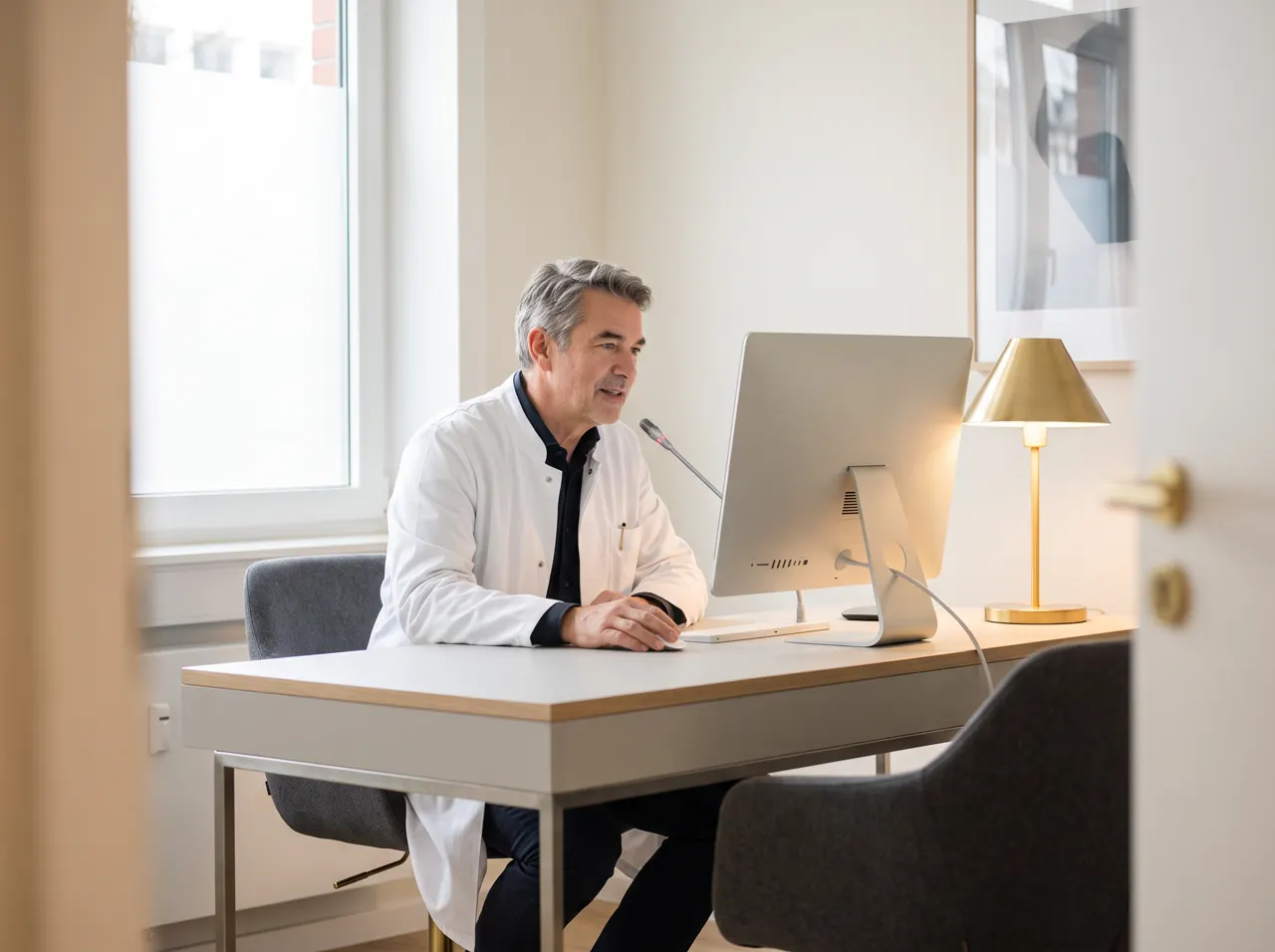
Health data is special category data under Article 9 of UK GDPR and EU GDPR, and it is covered by medical confidentiality. Processing it with cloud speech recognition takes contracts, assessments and a certain comfort with diagnoses being transcribed on someone else's servers.
With local medical speech to text software, the question does not arise. The recording is processed on the computer in the consulting room and then discarded. Afterwards the text is in your clinical system, and nowhere else.
SpeechToWork writes into any text field, including the patient record in your clinical system, Word templates for letters and your email program. No interface is needed, and your system supplier does not have to approve anything.
SpeechToWork is a writing tool, not a medical device. It makes no diagnoses, does not check medication and makes no decisions. It is not certified or approved for any particular health service, and specialist medical vocabulary is not pre-trained: the model knows many terms, and you add others to the dictionary. As with any dictation, you read the text before you sign it off.
What is not transferred cannot leak. That also makes the conversation with your data protection officer easier.
Drug names, clinical terms, names of referrers: added once, spelt correctly every time.
Speaking is about three times as fast as typing. The record is done before the next patient sits down.
Speech recognition and the language model are installed on your PC and run there. What you dictate ends up in your program and nowhere else. How the data flow works.
Audio and text stay on your computer. There is no server listening in and no AI provider in the background.
No third party processes your dictations. So there is no data processing agreement to sign and no international transfer to assess.
Once installed, SpeechToWork works offline. Only the licence check needs a connection.
How SpeechToWork takes work off your hands day to day. Every example works today, locally on your computer.
Patient: Anne Miller · DOB 12/03/1968
Letter
You sayDiagnosis maxillary sinusitis, treatment amoxicillin for seven days, review in one week.
Done
Patient: James Fisher · DOB 04/07/1990
Consultation
You sayThroat red, tonsils not enlarged, chest clear, no fever.
Done
FromPam Lang
SubjectBlood test results
You sayReply that the results are in and she can call tomorrow from 10 am.
Done
Patient: M. Smith · Session 6
Progress notes
You sayPatient reports sleeping better, er, she's doing the exercises regularly, next session in two weeks.
Done
You sayWhat needs doing?
Done
PDFDischarge_summary.pdf5 pages
You askWhich medicines are new?
Done
For dictating clinical notes and letters, yes. Recognition runs locally, understands everyday medical language well and can be extended with your own terms in the dictionary. It is not a medical device and does not replace specialist hospital systems with pre-trained clinical vocabulary. You check every text before signing it off.
Yes, as long as it runs on Windows and has text fields. SpeechToWork inserts the text at the cursor position, just as if you had typed it. For systems that run via Remote Desktop or Citrix, you dictate on the local computer into the session. No interface or approval from your supplier is needed.
No. SpeechToWork also runs on computers without a graphics card; there, rewriting takes a few seconds. With a dedicated graphics card with 6 GB or more, it takes about one second. That is mainly worthwhile in the consulting rooms where most dictation happens, while reception can work without one.
Only with the patient's explicit consent, and following your practice's own policies on recording. For routine notes it is not necessary: you dictate your own summary after the consultation. Only your voice is recorded, and the recording is discarded once it has been recognised.
SpeechToWork is about to launch. As soon as the first version is ready, you can download it here: one click, one file, no form.
Coming soonFor Windows 10/11 (64-bit). The download will be available here as soon as it is ready.
One installer for Windows, straight from our server.
A double click is all it takes. No administrator rights needed.
On first start: enter your name and business email, no payment method.
On first start, SpeechToWork downloads the language models once (4 to 6 GB). Already have a licence key? Enter it on first start. What is transferred in the process is explained in our privacy policy.