Minutes in minutes
Speak resolutions and actions, or record the meeting with everyone’s consent.
AGMs, site inspections, tenant and leaseholder queries, contractor visits: in property and block management the paperwork piles up. SpeechToWork brings AI to property management by turning what you say into finished minutes and replies, right on your PC.
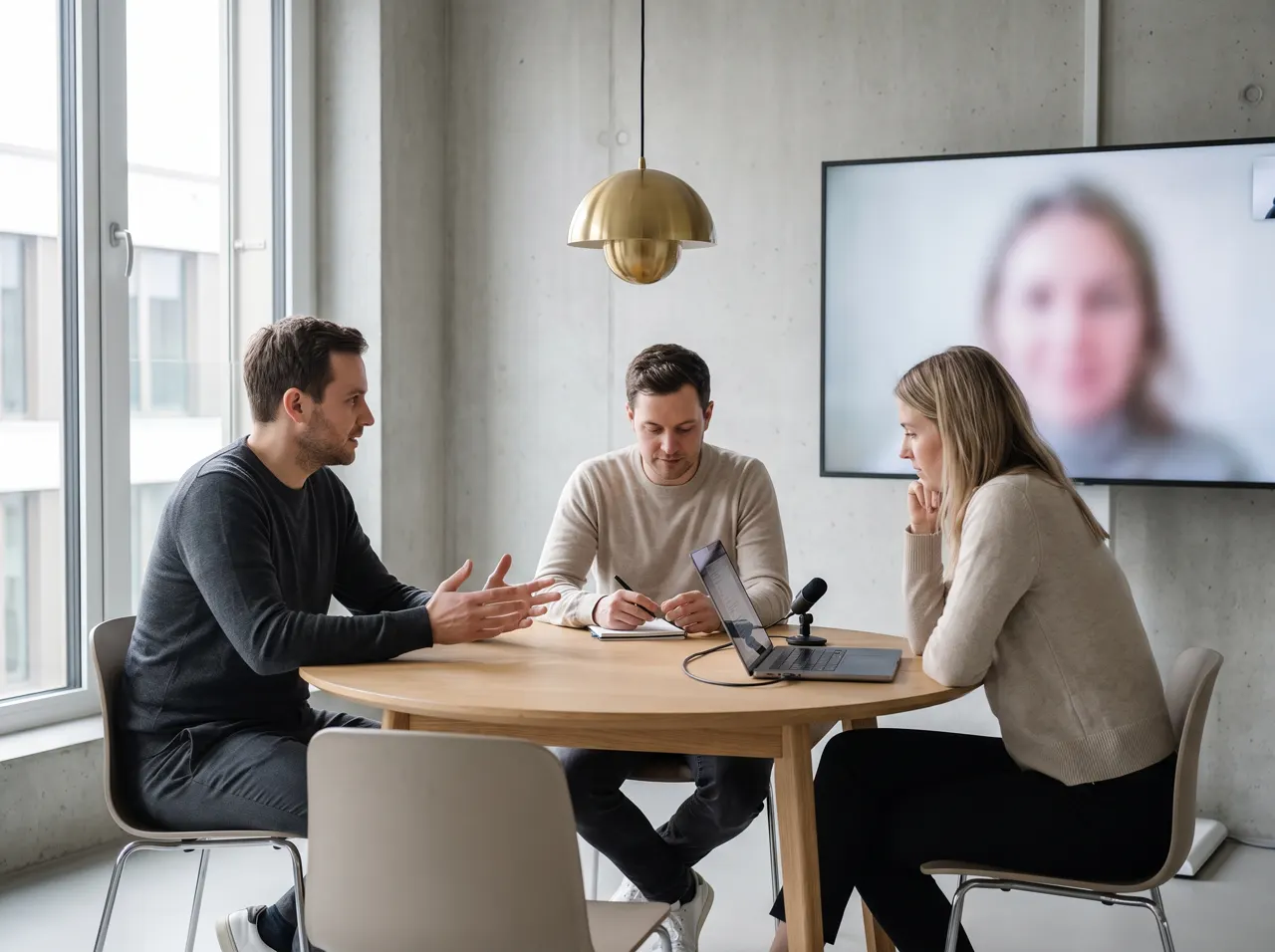
After the meeting, speak the resolutions, voting results and actions, and SpeechToWork turns them into clean minutes. With the consent of everyone present, you can also record the meeting and have it analysed locally: a transcript with speakers told apart, plus minutes with resolutions and tasks.
The minutes remain your document. Check the wording of resolutions and the voting results before you send them, as you would with any minutes.
Record voice notes on your walk-round and drag them onto your computer later. SpeechToWork transcribes them with timestamps, and one spoken instruction turns the text into a defects list. Residents’ details, addresses and damage reports stay on your PC throughout.
Speak resolutions and actions, or record the meeting with everyone’s consent.
Replies on request, snippets for recurring letters.
Everything runs locally. No upload, no cloud provider.
Speech recognition and the language model are installed on your PC and run there. What you dictate ends up in your program and nowhere else. How the data flow works.
Audio and text stay on your computer. There is no server listening in and no AI provider in the background.
No third party processes your dictations. So there is no data processing agreement to sign and no international transfer to assess.
Once installed, SpeechToWork works offline. Only the licence check needs a connection.
How SpeechToWork takes work off your hands day to day. Every example works today, locally on your computer.
Done
PDFTenancy_agreement_12_Elm_Road.pdf14 pages
You askCan the rent go up in 2027?
Done
FromMurat Yilmaz
SubjectHeating, Flat 4
You sayReply that the engineer is coming on Thursday between 8 and 12.
Done
12 Elm Road · Flat 4
Call note
You sayMr Yilmaz from Flat 4 called, the heating hasn't been warming up since yesterday, I'm booking the heating engineer today, he's at home on Thursday morning.
Note saved1 task on your list
Done
12 Elm Road RMC · AGM 2026
Minutes
You sayResolution on agenda item three, roof repairs, carried with twelve votes in favour, two against, one abstention.
Done
You sayWater shut-off notice, Tuesday eighteenth of November, nine till twelve.
Done
Done
You askWho do I still need to call back this week?
Done
It can write the draft. You speak the resolutions and results, or record the meeting with everyone’s consent, and SpeechToWork writes up the minutes. Checking them, approving them and signing them off remains your job and the chair’s, as with any minutes taken by hand.
It takes the writing off your desk. Minutes, replies to leaseholders, notices of works and inspection reports are dictated instead of typed, and the AI does the wording. Long letters are summarised in a sentence or two. Everything runs on your own PC, so residents’ details stay with you.
Only if everyone present agrees. Tell people before you start and give them the chance to object. SpeechToWork only records when you start it. The recording stays on your computer and can be deleted once the minutes are done. For your specific obligations, ask your legal adviser.
Local AI makes it much simpler. Residents’ names, addresses and complaints are personal data. SpeechToWork processes them on your own computer, so no provider receives them and there is no processor contract for your dictations. Your wider duties as a controller still apply, as they would with any software.
Select the query, say in one sentence what the reply should be, and you are done. SpeechToWork writes the reply in a suitable tone, with your name and signature. Letters you send again and again, such as notices of works, can be saved as snippets with placeholders.
Dictate consultation notes and letters without patient data leaving the practice.
ViewDictate letters, file notes and client correspondence without putting confidentiality at risk.
ViewDictate quotes, site reports and emails instead of typing in the evening.
ViewSpeechToWork is about to launch. As soon as the first version is ready, you can download it here: one click, one file, no form.
Coming soonFor Windows 10/11 (64-bit). The download will be available here as soon as it is ready.
One installer for Windows, straight from our server.
A double click is all it takes. No administrator rights needed.
On first start: enter your name and business email, no payment method.
On first start, SpeechToWork downloads the language models once (4 to 6 GB). Already have a licence key? Enter it on first start. What is transferred in the process is explained in our privacy policy.